

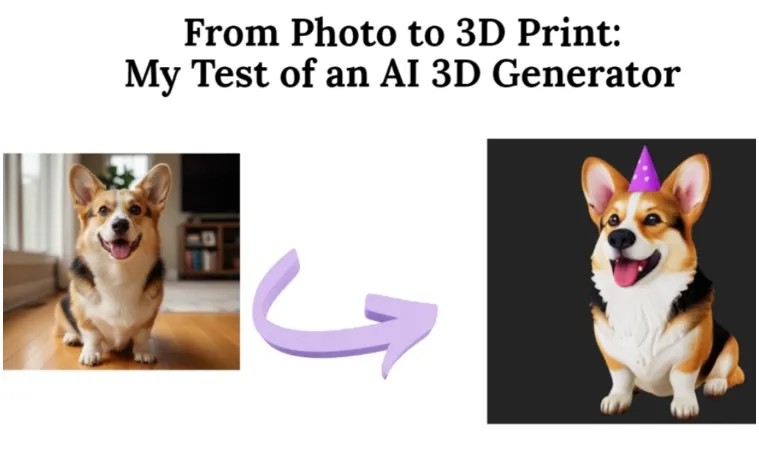
I needed a gift. A special one. My sister loves her Corgi, Potato. For her birthday, I wanted a small 3D statue of him. Something real you could hold.
There was one problem: I am not a 3D artist. I can barely draw a stick figure. The idea of using complex modeling software was a non-starter. Then I read about AI that could turn pictures into 3D models. While searching for answers to How do I turn a photo into a 3D printable STL, I kept seeing new tools that promised to simplify the entire process. It sounded like magic, or a scam. I found a platform called Neural4D that promised exactly this. I had Potato’s perfect photo. I decided to test it. I uploaded the picture and braced for disappointment.
What happened wasn’t what I expected. It changed how I see making things.
Contents
Step One: The Upload
The website was simple. No complex menus. Click the “Image to 3D” studio, and a big button shows “Upload Image.” I dragged my photo over. Potato sitting, tongue out. I clicked “Generate.”
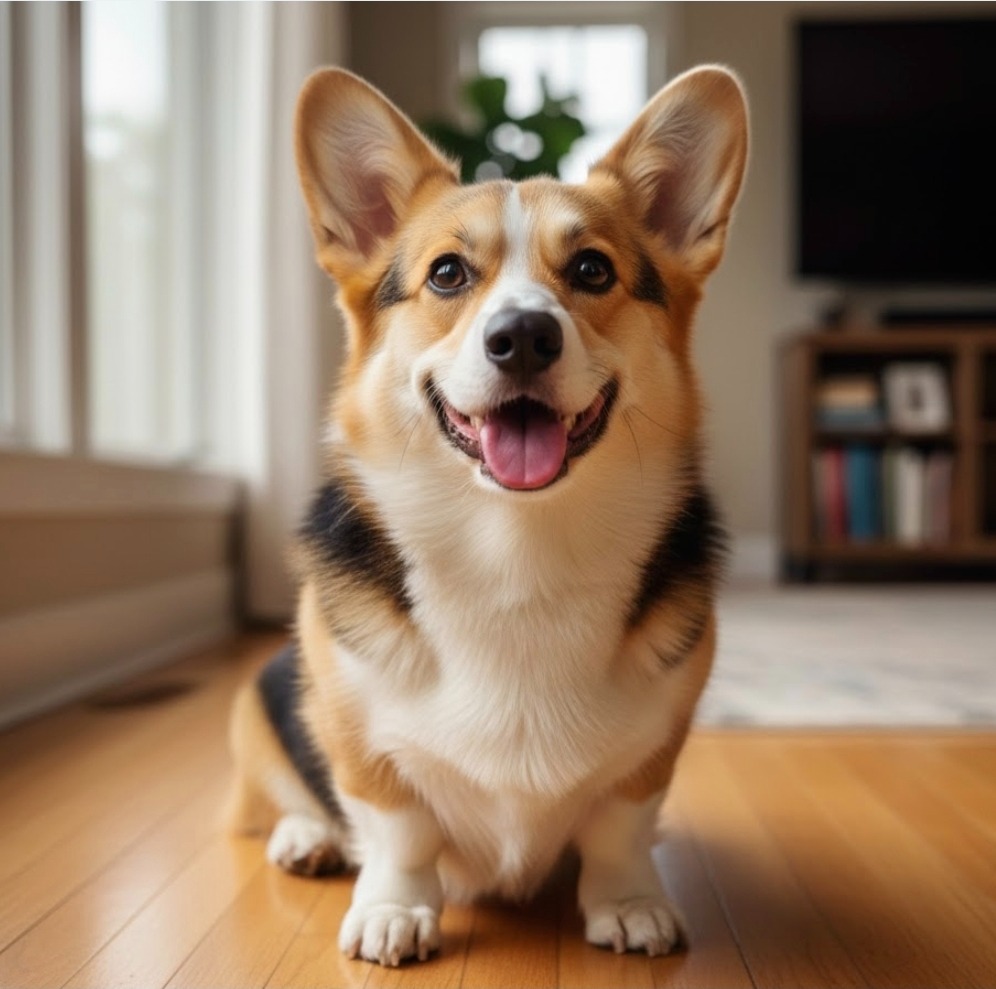
A minute passed. A model is loaded. I clicked and dragged. It spun. This was the first real moment. My flat photo was now a solid object I could look behind. It wasn’t perfect. The back was guessed by the AI. But the shape, the feeling, it was Potato. That first step, from picture to object, was done. No software skills needed.
Step Two: The Conversation
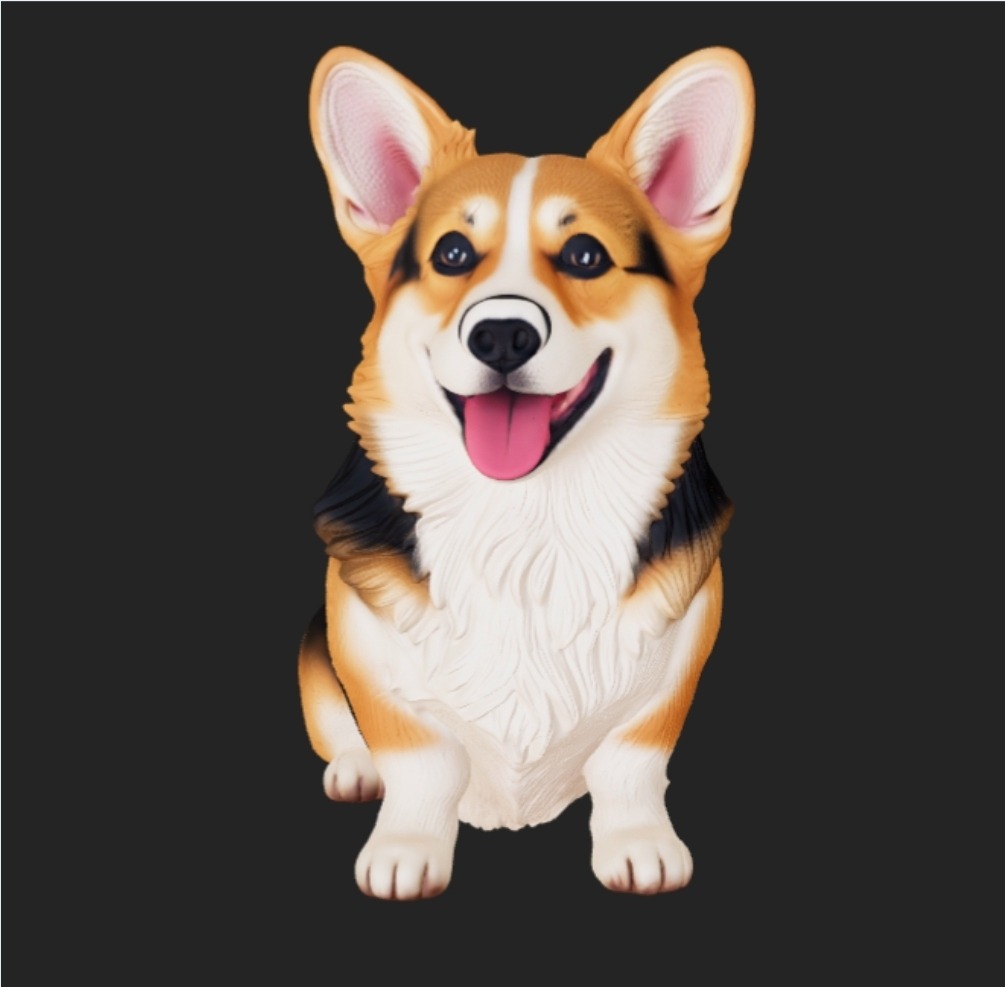
The model was good. But it was clean. Potato is fluffy. I saw a Neural4D-2o function (A Large Multimodal AIGC model for 3D). I typed a simple question. “Make it look fluffier.”
I waited. The model changed. A soft texture grew on its surface. It looked more like fur. It didn’t make a new dog. It edited this dog.
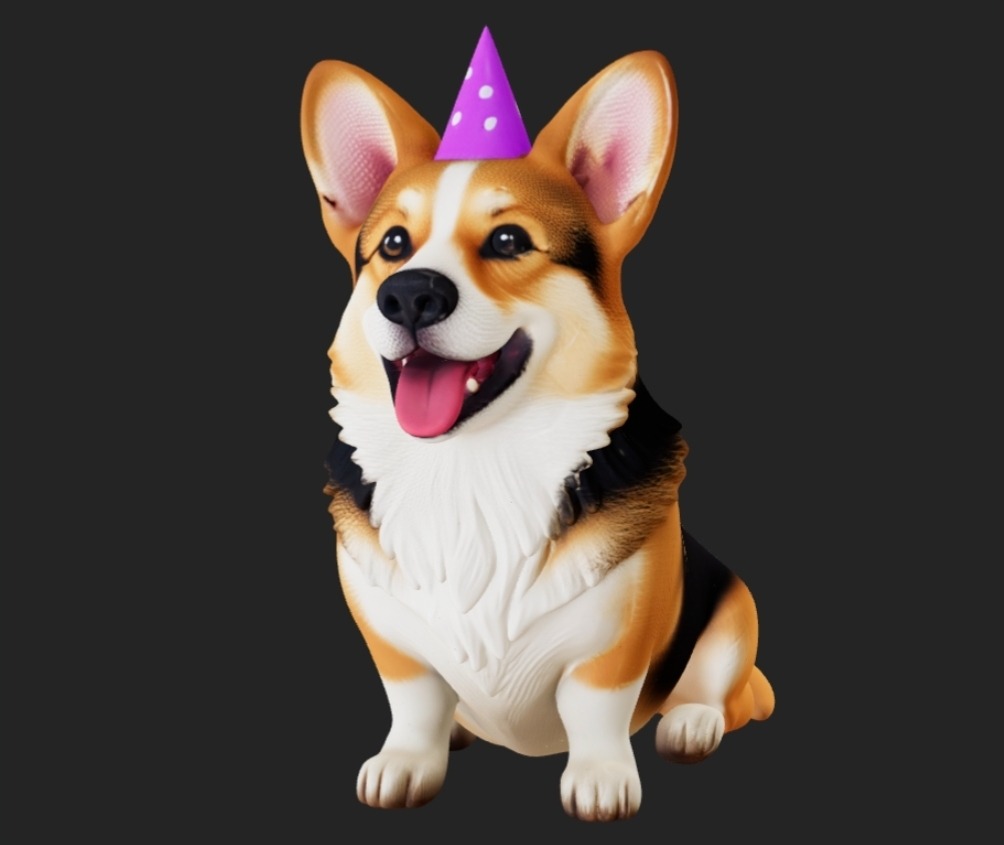
I tried again. “Add a tiny birthday hat.”
A tiny hat appeared, just like that. I wasn’t using tools. I was talking. I was giving instructions to a partner who understood. For me, a non-technical person, this was the magic. The gap between my idea and the result shrank to nothing.
Step Three: The Reality Check
This was fun. But was it real? I clicked “Download”. I got a file called an STL file. People use these for 3D printing.
The real test. I went to a website for a 3D printing service. I uploaded my STL file. The page loaded. No errors. It showed me a price and a picture of my model, ready to print.
That was the moment. The thing I made from a photo and two sentences was manufacturing-ready. The wall between a thought and a physical thing wasn’t made of skill. It was made of access. This image to 3D AI tool was the key.
Why This Isn’t Just a Story About a Dog
This isn’t about a statue. It’s about a door opening. For years, making a 3D model meant a steep learning curve. It was for experts.
This is different. It asks you one thing. What do you want to create? It doesn’t ask what software you know.
Think about it.
- A teacher could turn a diagram of a cell into a 3D model for class.
- A designer could snap a picture of a sketch and get a prototype in minutes.
- A family could turn a vacation photo into a custom ornament.
- An engineer could quickly create a visual aid from a technical drawing.
The AI 3D model generator is the start. It takes the hardest part, the beginning, and makes it simple.
The New Way: Describe, Don’t Design
My test showed me a new path. The future isn’t about learning toolbars. It’s about having a clear idea.
You start with your source. A photo. A drawing. A clear sentence. The AI builds the 3D structure. Then you talk to it. You refine it with words. It’s a loop of clear direction, not button memorization.
Your value isn’t in knowing which menu holds a specific tool. Your value is in your vision. Your ability to see what should be and guide the process there.
For a small business, this means testing product ideas fast. For an artist, it means building worlds without a technical wall. For someone like me, it means the ideas we have for gifts, for projects, for memories, can actually happen. They aren’t stuck in our heads anymore.
I sent my sister a link to the spinning 3D Potato. Her reaction wasn’t about polygons. It was about seeing her dog in a new way. Something made just for her, from a moment we shared.
That’s what this technology does. It doesn’t just make models. It makes a connection possible.
The tools aren’t just for experts anymore. They’re for anyone with a photo and an idea. You should try it. See what you can make real.